

Save YouTube Video Thumbnails
Need the thumbnail image from any YouTube video? Just paste the video link and get the image in full resolution. Great for presentations, social media, or just saving cool visuals.
How to Download YouTube Thumbnails
Takes just seconds:
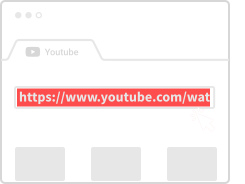
Copy Video Link
Go to YouTube and copy the URL of the video whose thumbnail you want.
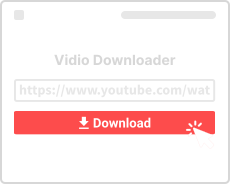
Paste Here
Drop the link in the box above and click Download.
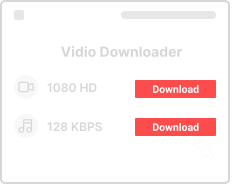
Save the Image
Pick your resolution and save the thumbnail to your device.
Why Use This Thumbnail Downloader
Here's what you get:

Totally Free
No fees, no limits. Download as many thumbnails as you need.

Any Device
Phone, tablet, laptop – works anywhere with a browser.

High Resolution
Get thumbnails up to 1920x1080 – HD quality for any use.

Instant Download
Get your thumbnail in seconds – no waiting.

No Account
We don't ask for email or signups. Just use it.

Browser Only
No app to install. Everything runs in your browser.
Thumbnail Download Questions
- Is this free?
- Yes, 100% free with no limits.
- How many can I download?
- As many as you want – no restrictions.
- What formats are available?
- JPG/JPEG images in various resolutions.
- Does it work on mobile?
- Yes, works on any phone or tablet.